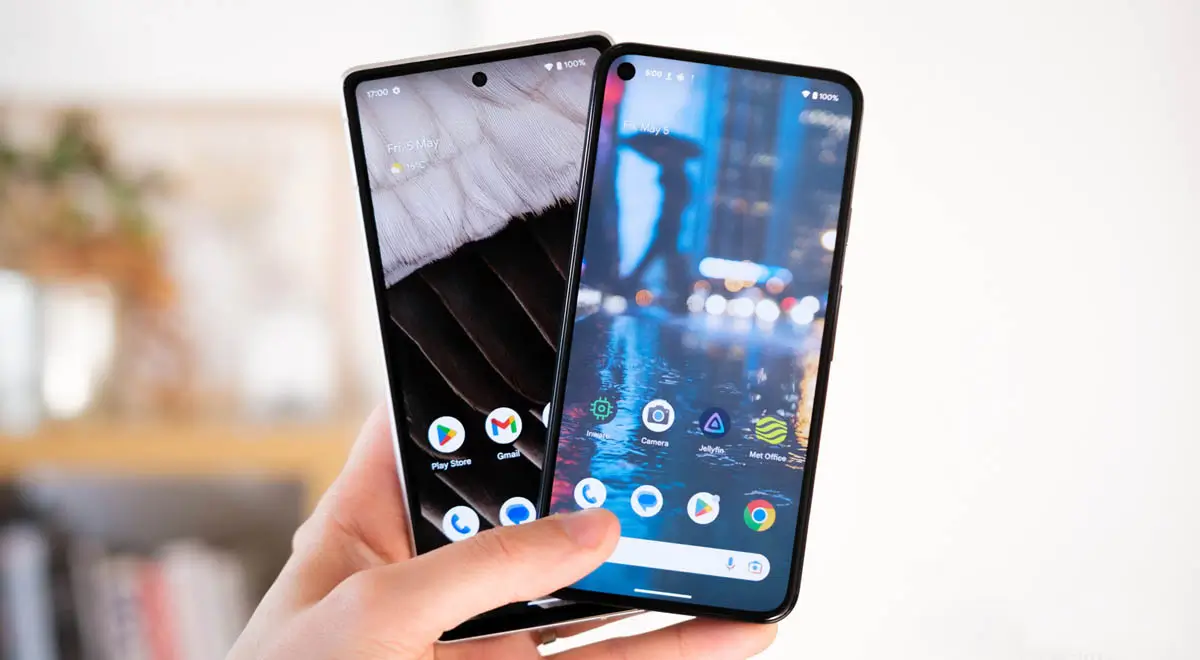
Buying a new smartphone is an exciting experience, but the first few hours after turning it on are also the most important. Technology experts recommend completing a few essential setup tasks before using the device regularly. These simple steps can improve security, protect personal information, and help the phone perform better over time.
Many users immediately install apps, sign in to social media, and start using their new device without reviewing important settings. However, spending a little time on the initial setup can reduce security risks and prevent common problems later.
Transfer Your Data Safely
One of the first things users should do is safely transfer data from their old phone. Before moving photos, contacts, videos, documents, and app data, experts advise creating a complete backup of the old device. This provides an extra layer of protection if anything goes wrong during the transfer process.
Android users can transfer data using their Google account, while iPhone users can use iCloud or Apple’s built-in device transfer feature. Before moving files, it is also helpful to remove duplicate photos, unused apps, and unnecessary documents from the old phone. This saves storage space on the new device and keeps it organised from the start.
Install the Latest Software Updates
A new smartphone may have been manufactured months before it reached the customer, meaning it could still be running an older version of its operating system.
Installing the latest operating system and security patches helps fix known security weaknesses. Updates also improve system stability, battery management, and compatibility with newer apps. Users can check for updates through the phone’s software settings soon after completing the initial setup.
Secure Your Phone from the Start
Security experts recommend enabling strong screen protection immediately. Smartphones now store banking apps, digital payment services, email accounts, personal photos, and sensitive documents. A weak PIN or an easily guessed password increases the risk if the device is lost or stolen.
Instead, users should create a strong passcode and enable biometric security such as fingerprint recognition or facial authentication where available. Experts advise using biometrics together with a strong password instead of relying on face unlock alone.
Remove Apps You Don’t Need
Many smartphones arrive with pre-installed applications that users may never use. These apps can occupy storage, consume battery power, and sometimes request unnecessary permissions.
Removing or disabling unwanted apps helps improve performance, frees storage space, and reduces unnecessary background activity.
Read More: AMOLED vs OLED vs IPS LCD: Which Display You Should Choose? Know Details
Download Apps Only from Trusted Sources
When downloading new apps, experts recommend using only trusted sources. Android users should install applications from the Google Play Store, while iPhone users should use the App Store.
It is also important to review app permissions carefully. For example, a calculator app generally does not need access to your camera, microphone, or contacts. Users should only approve permissions that are necessary.
Follow Healthy Battery Charging Habits
Battery care should begin on the first day. Modern smartphones use lithium-ion batteries that perform best with regular charging instead of repeated full discharges.
Experts also recommend avoiding heavy gaming while the phone is charging, especially in hot conditions. Many recent smartphones include Battery Optimisation, Adaptive Charging, or Charging Limit features that can help extend battery life.
Adjust Display and Notification Settings
The default display settings may not suit every user. Lowering screen brightness, reducing screen timeout, and selecting an appropriate refresh rate can improve battery life.
Turning off notifications from apps that are not important also reduces distractions and unnecessary battery usage.
Turn On Cloud Backup
Cloud backup should be enabled as early as possible. Services such as Google Drive, Google Photos, and iCloud automatically save important files, photos, and videos.
If the phone is lost, stolen, or damaged, cloud backups make it easier to recover valuable information.
Save Your IMEI Number
Users should record the phone’s International Mobile Equipment Identity (IMEI) number soon after purchase. This unique identification number helps mobile operators and authorities identify a lost or stolen device.
The IMEI number is usually printed on the phone’s retail box, purchase invoice, or available through the device settings.
Use Genuine Chargers and Accessories
Experts advise using the charger supplied with the smartphone whenever possible. If a replacement charger is needed, it should match the manufacturer’s recommended specifications.
Low-quality or counterfeit chargers and charging cables can damage the battery and may create safety risks.
Protect Your Phone Physically
A high-quality protective case and screen protector can reduce the risk of costly repairs after accidental drops.
Users should also avoid extremely thick cases that trap heat, as excessive heat can affect battery performance over time.
Review Your Privacy Settings
Before using the phone every day, users should review privacy settings carefully. They should decide which apps can access their location, microphone, camera, contacts, and other personal information.
Disabling permissions that are not required improves privacy and reduces unnecessary data collection.
Factory Reset Your Old Phone Before Selling It
If the old smartphone will be sold or given away, experts recommend signing out of all accounts before performing a complete factory reset.
Simply deleting photos or uninstalling apps is not enough. A factory reset removes stored data and helps protect personal information from unauthorised access.
Why These First-Day Steps Matter
For most people, a smartphone is more than a communication device. It stores financial information, personal memories, work documents, and access to essential online services.
Taking time to complete these setup steps on the first day can improve security, protect valuable data, and help the device deliver reliable performance for years to come.